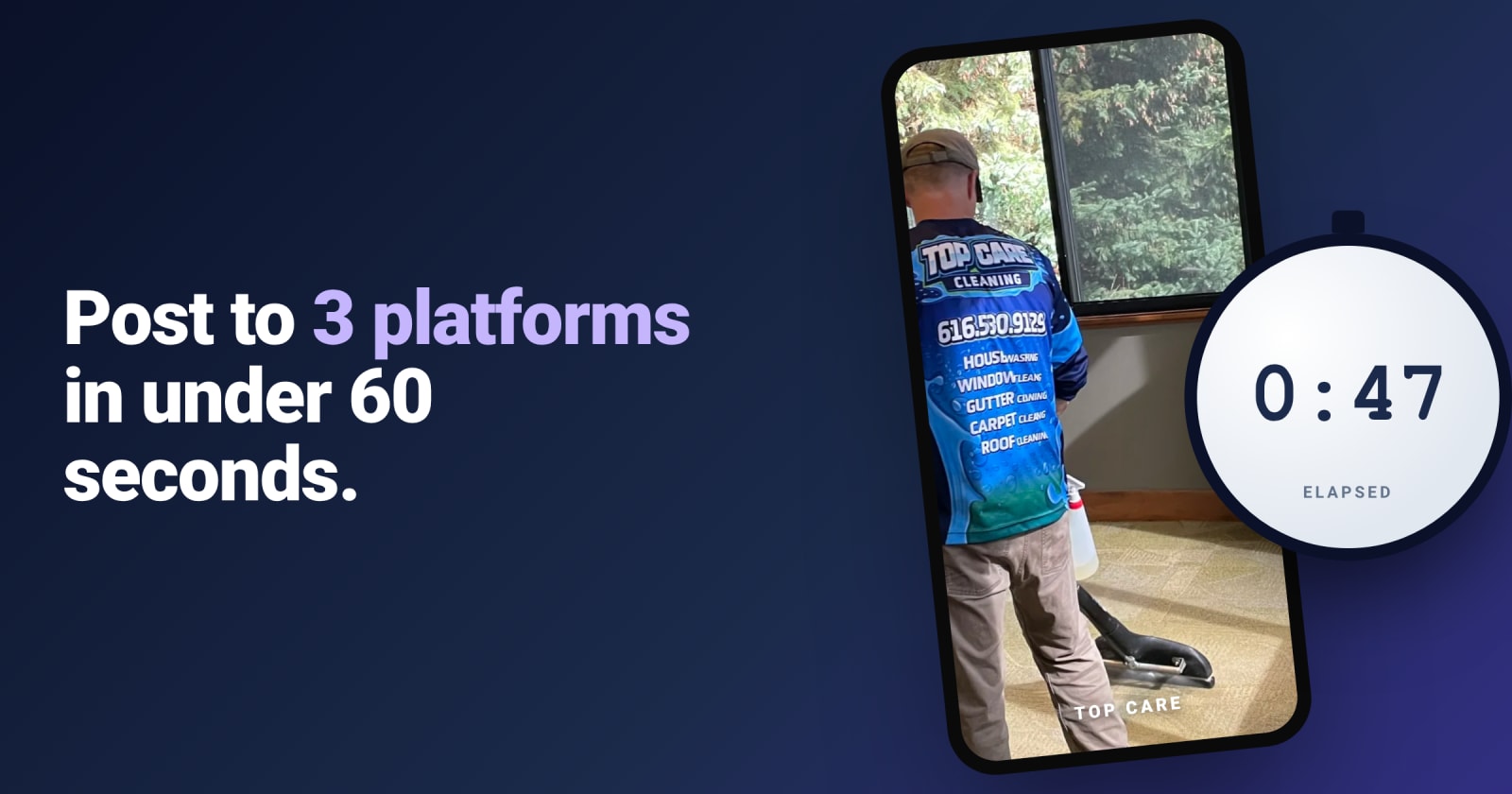
Three platforms, three open tabs, three caption boxes, three different image crops, three different hashtag norms. Posting a single job photo to Google Business Profile, Facebook, and Instagram the manual way is a 15–20 minute task — which is why most operators do it for two weeks, then give up.
The good news: the actual posting work, once the photo and caption are sorted, is about 60 seconds with the right setup. The 15 minutes is friction, not work. This article is about removing the friction.
Why posting to all three matters
Each platform reaches a different slice of your prospect funnel:
- Google Business Profile is high-intent. The person looking here typed "house cleaning near me" or "HVAC repair Grand Rapids" and is comparing 3 businesses in the local pack. Your GBP photos are part of the comparison.
- Facebook is community trust. The person scrolling here isn't ready to buy today, but they live in your neighborhood, and your post lands in their feed because they follow you (or because a neighbor commented). When they need you in 6 months, they remember.
- Instagram is visual proof at scale. The person here is younger, more visual-first, and increasingly using Instagram as search ("show me roofing contractors in Grand Rapids"). Your portfolio of before/after composites becomes a body of work.
Skipping any one of these because "I don't have time" is leaving leads on the table. The fix is workflow, not heroic effort.
The friction of doing it manually
The manual workflow looks like this:
- Tech texts you a before and after photo from the job.
- You AirDrop or download them to your laptop.
- You open Photoshop / Canva / Preview, make a side-by-side composite, slap your logo on.
- You open the GBP dashboard, log in, upload, write caption, post.
- You open Facebook business manager, log in, upload (now you have to re-crop because the dimensions are different), write caption (slightly different tone for Facebook), post.
- You open Instagram on your phone (because Instagram desktop is half-broken for posting), pick the photo from your camera roll, re-crop to square, write caption (now with hashtags), post.
- You realize you forgot to tag the location on Instagram. You go back.
This is 15–20 minutes per job, three apps, three logins, and at least one moment where the toddler interrupts and you give up.
The 60-second workflow
The 60-second version assumes the right pieces are already in place. Here's what those pieces are:
1. Snap (5 seconds)
The tech takes the before photo when they arrive and the after photo when they leave. Same angle, same distance, same lighting (see our before/after photo guide). On a normal job this adds maybe 30 seconds to their day, total.
2. Caption draft (10 seconds for the owner)
The caption is the part that kills the manual workflow because writing three slightly-different captions is genuinely 5 minutes of friction. The 60-second workflow uses AI to draft them. You give the AI the job context ("kitchen deep clean, Grand Rapids, family customer") and it produces three drafts: a local-pack-tuned caption for GBP, a community-voice caption for Facebook, and a punchy hashtag-loaded caption for Instagram.
Your job is to skim each, fix anything that's wrong, and approve. 10 seconds.
3. Schedule or publish (5 seconds)
One button publishes to all three platforms, correctly sized, captioned, tagged, with your watermark. Or scheduled for the time of day each platform performs best — GBP morning, Instagram evening.
Total elapsed owner time: about 20 seconds. The "60 seconds" includes some buffer for double-checking.
Tools that help
You can stitch this together with a generic scheduler (Buffer, Hootsuite, Later), Canva for composites, and ChatGPT for captions. It'll work. It'll cost you about $40–$80/mo across the tools, and you'll still be doing the integration manually.
Or you use a tool that's designed for this specific workflow. Disclosure: we built Hosted Proof to be exactly that tool — for $19/mo on the Starter plan. Composites and watermarks happen automatically, AI captions are tuned to your brand voice, and the publishing happens through native API integrations with GBP, Facebook, and Instagram. One approval, three platforms.
The thing we couldn't fix with a generic scheduler was the dropoff between tech and owner. Generic schedulers assume the owner uploads. Hosted Proof gives techs PIN-based upload from their phone — they don't need an account, they don't need an app, and the photo lands in your approval queue.
Common mistakes to avoid
Same caption everywhere
Copy-pasting the exact same caption to GBP, Facebook, and Instagram leaves performance on the table. GBP rewards location-keyword density (city, service, neighborhood). Facebook rewards community tone (questions, mentions of customers by first name). Instagram rewards hashtags and tight hooks in the first line.
The 60-second workflow handles this — the AI generates platform-specific drafts. The manual workflow tries to write three captions and ends up with one that performs mediocre on all three platforms.
Wrong image dimensions
GBP prefers landscape 4:3 to 16:9. Facebook is flexible but auto-crops to square in the feed. Instagram feed is square, Stories are portrait. Posting the same crop everywhere means cropped-off heads, awkward whitespace, or auto-crop chopping the most important part of the photo.
The fix is to generate three crops from one master image at publish time. (We do this automatically. Doing it by hand in Canva works but adds time.)
Posting too much, too fast
If you've fallen behind and have 30 photos to publish, don't drop 30 posts on a Tuesday afternoon. Spread them across two weeks at a healthy cadence (2–4/week per platform). The algorithm reads burst-posting as low-effort and surfaces it less. Spread the same content out and it performs better.
Forgetting GBP
Of the three, GBP is the most often skipped — because the GBP dashboard is unfriendly to use, the post format is restrictive (no hashtags, 1,500 char limit, links require formatting), and the analytics are buried. But GBP is the one that drives direct conversion. If you have to pick two of three, pick GBP and one other. Don't skip GBP.
What "good" looks like over 90 days
If you can hold 2–3 multi-platform posts per week for 90 days, the compounding kicks in:
- GBP local-pack appearance increases (Google rewards the freshness).
- Facebook page reach climbs (Meta rewards consistent posting).
- Instagram followers grow modestly but the body of work becomes a portfolio prospects scroll.
- Most importantly: direct inbound from "I saw your post" calls shows up. Slowly, then suddenly.
The 60-second workflow is what makes this sustainable. The 20-minute manual workflow is what kills it by week three.